
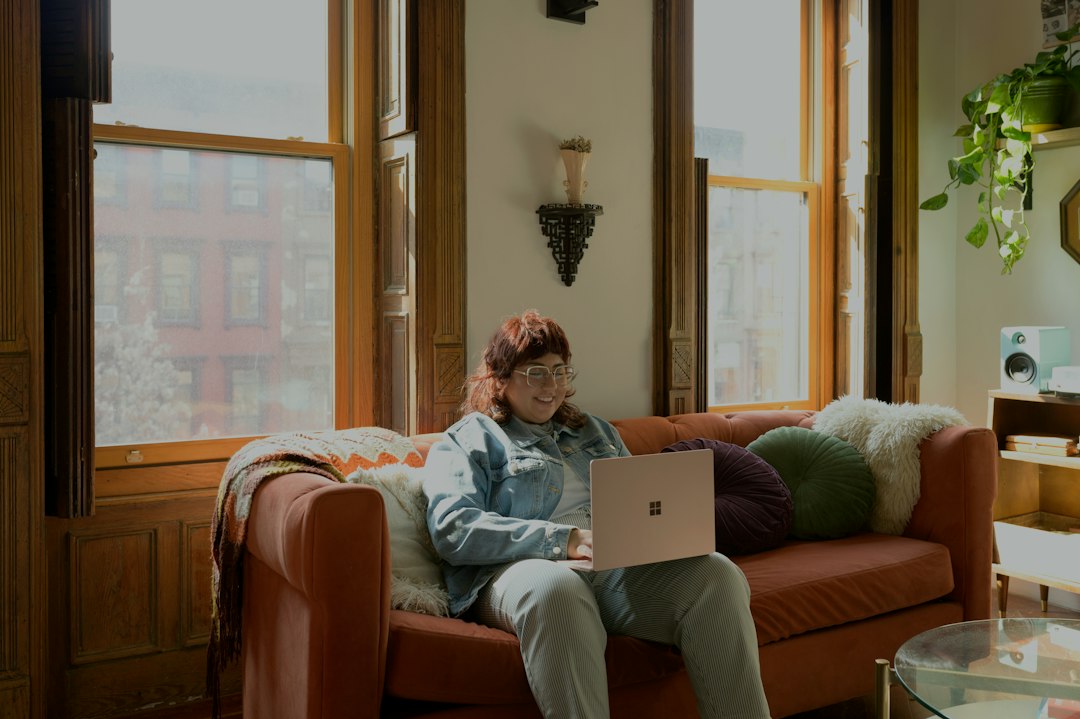
Remote and hybrid working are now normal for many small businesses. Staff may work from home, visit customers, use shared workspaces or catch up on email while travelling. The flexibility is useful, but it also means business systems are being accessed well beyond the office network.
That does not mean remote working has to be risky. Most problems come from a handful of avoidable gaps: unmanaged devices, weak access controls, missed updates and unclear rules about where business data should be stored. As part of Cyber Awareness Month, here are seven practical checks worth making.
1. Make sure business devices are actually managed
A company laptop should be more than a Windows PC with antivirus installed. It should have a known configuration, current security updates, disk encryption and appropriate endpoint protection. The business should also know who has the device and be able to take action if it is lost or an employee leaves.
For Microsoft 365 environments, tools such as Microsoft Intune can help apply security policies and check whether a device meets the organisation’s requirements before it accesses company information.
2. Keep work and personal devices separate
Allowing staff to use an unmanaged family computer for company email or files can create unnecessary risk. You may not know whether the computer is patched, whether other users have administrator access, or what software is installed.
Where possible, provide a properly managed business device. If personal devices must be allowed, decide exactly what they can access and use controls that prevent company information being copied or stored where it should not be.
3. Protect Microsoft 365 access, not just the laptop
A secure laptop does not help if an attacker can simply sign in to Microsoft 365 from somewhere else. Multi-factor authentication should be standard, but businesses should also consider sign-in monitoring, Conditional Access and sensible restrictions around privileged accounts.
Access policies can take account of factors such as the user, device and sign-in risk. This is particularly valuable when employees regularly work away from the office.
4. Do not rely on home Wi-Fi being secure
Most modern home routers are reasonably secure when correctly configured, but businesses have little control over an employee’s broadband equipment. Default passwords, old firmware and poorly configured guest networks can all create problems.
Staff should use WPA2 or WPA3 wireless security and change default router administration passwords. For systems that require direct access to internal company resources, use a properly configured VPN or another secure remote-access method rather than exposing services directly to the internet.
5. Keep updates automatic and visible
Laptops that rarely return to the office can quietly fall behind on updates. Windows, browsers, Microsoft 365 applications and third-party software all need patching.
Central monitoring is useful because it changes patching from an assumption into something the business can verify. If a laptop has missed several updates or has not checked in for weeks, someone should know about it.
6. Store business files in business systems
Remote workers often create workarounds when the official way of sharing information feels inconvenient. Documents end up in personal cloud storage, private email accounts or local folders that are never backed up.
Use approved services such as SharePoint, Teams and OneDrive and make sure staff understand which is appropriate. Shared company information should normally live somewhere the business controls, rather than inside one employee’s personal working area.
7. Plan for lost laptops and phones
Remote working means equipment travels. A laptop can be left on a train, a phone can disappear from a hotel or a device can be stolen from a car.
Full-disk encryption, strong screen locks and device-management controls can substantially reduce the impact. The business should also have a simple reporting process so lost equipment is dealt with quickly. Access can then be reviewed, sessions revoked and devices remotely locked or wiped where the platform supports it.
Remote working security should be routine
The aim is not to make working from home difficult. Staff should be able to work securely without having to become security specialists. Managed devices, strong identity controls, sensible data storage and reliable monitoring provide most of the foundation.
ML Services helps businesses across Sussex manage Microsoft 365, company devices, security and remote working. If you are unsure whether laptops used away from the office have the same protection as those inside it, contact ML Services for a practical review.